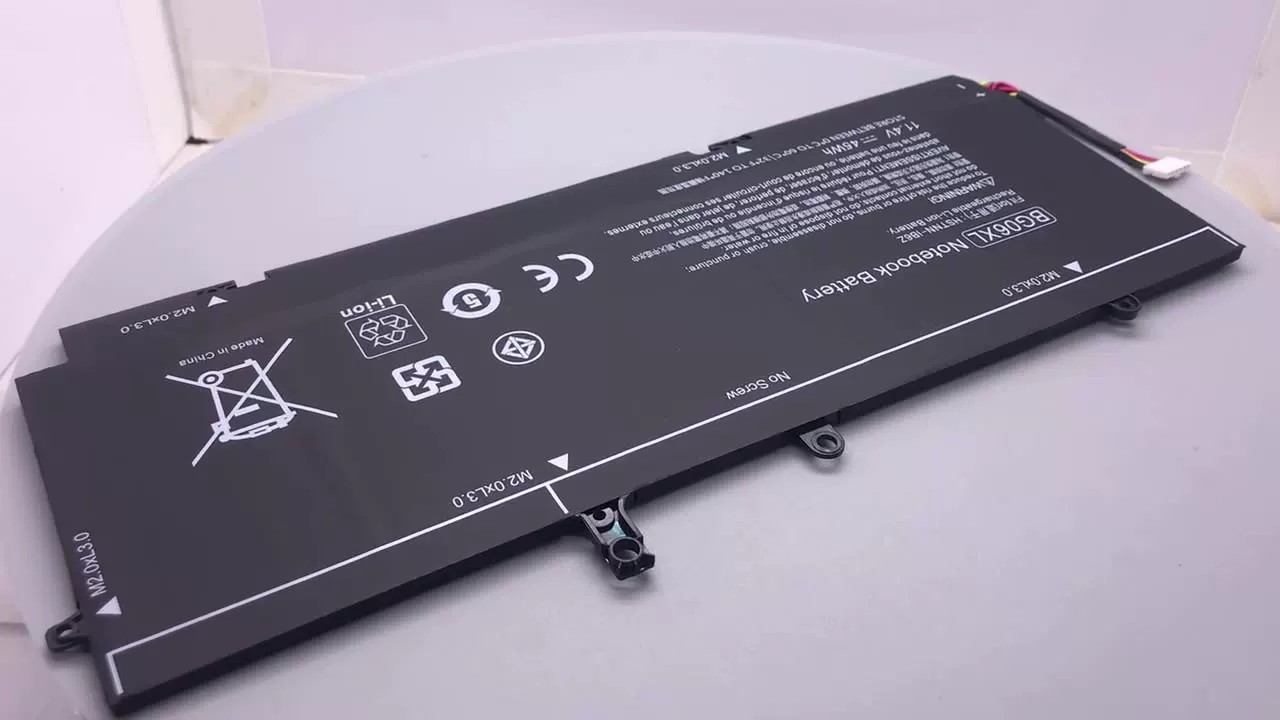
Choosing the Genuine HP Laptop Battery is not always a matter of finding the battery that goes with the HP laptop. HP uses many types of batteries and battery series. Even when two batteries look similar, they might not operate properly due to incompatibility with the laptop system. This is why the choice needs to be made carefully before buying. Buyers at HP-Batteries are surprised to discover that making certain decisions early on can save both time and money. The idea is to match the battery exactly with the device, and not just one that “looks close.”
Check Your Laptop Model First
Identify your HP laptop model, which is located at the bottom or in system settings. Pavilion 15, Envy x360, and other similar models have the same name but have different internal batteries. There can be compatibility problems if there are only minor differences in model series. Asking for the complete model name will help prevent ordering the incorrect part.
Look at the Original Battery Label
There is important information in the original battery inside the laptop. It may have a part number like HT03XL or LK03XL. These codes are more accurate than just the laptop name. This is one of the most secure methods for compatibility. Some users do not do this and end up having confusion, using only the laptop brand. To minimize those errors, HP-Battery typically lists the parts by these part numbers.
Understand HP Battery Series
There are various types of batteries in the HP product lines. Pavilion, Elitebook, OMEN, and Specter have different designs. Differences within and between series, like Pavilion 14 and Pavilion 15 batteries, depend on screen size or hardware. Recognizing that each series includes variations helps identify the correct series without guessing.
Confirm Voltage and Capacity
The laptop battery will display its voltage and capacity. These should match the ones in the old laptop battery. The computer will fail to start up if the voltage is not right. If the electrical power varies, battery life may change, but it must still function. These are the numbers to check for basic compatibility issues. Typically, this information is prominently listed on HP-Battery for comparison.
Check Connector Shape
If two batteries have the same size specifications, however, they need to have the same connector shape. The connector links to the laptop battery. If not synced properly, the system won’t recognize the battery. This detail may be overlooked in photos, but the connector type is crucial.
Compare Physical Size
Laptop batteries have been engineered to fit snugly within the laptop casing. Installing it becomes complicated or even impossible if the size is off by even a bit. There may be different battery sizes across HP models. Upon measuring the battery’s size, it is guaranteed to fit inside the device without being jammed.
Check the Compatibility List Carefully
Many batteries will have a list of compatible batteries. This list will be more accurate than general product descriptions. It displays the specific types of laptop computers on which the battery is tested. When buying an HP battery, check this list to ensure your specific model is included, as an equivalent won’t work.
Avoid Guessing Based on Appearance
This makes it difficult to tell the difference between many HP batteries just by looking at them. But the internal wiring and chip design may vary greatly. It is not safe to rely on appearance only. A minor change in the internal structure can cause the laptop to not charge or recognize the battery. Don’t trust the resemblance; use model numbers and technical details instead.
Check the Age of Your Laptop
Differently, older HP laptops may be supplied with discontinued batteries. In these instances, compatible replacements are engineered with new internal cells. The age of your laptop helps you determine whether you need to buy an original battery or a replacement battery. Some older models that are no longer available may have alternatives from HP-Battery.
Verify Seller Reliability
Some online sellers don’t provide accurate compatibility details. Use a good source to prevent getting the wrong part. However, choosing an HP Battery is relatively safe because items are categorized into groups based on their model number and other features, such as part number.
Conclusion
Selecting the appropriate battery for one’s HP laptop should be done after some thought, rather than blindly. Correct identification and purchase of this item involve consideration of model number, code, voltage, and shape. Discrepancies in any of the above factors will cause the device to not function properly. Consumers could spare themselves unnecessary troubles by considering each point carefully.